For private schools
School library software your students can use themselves
Put a tablet by the shelves. Students scan their library card, find a book and check it out on their own, while you keep a full record of every loan.
Start free and catalog your books. The kiosk comes with the Bibliotheca plan at $11.99/month.
- Self-service kiosk on any tablet
- Printable library card for every student
- Book search matched to each student's age
- Reminders go to parents, not lost in backpacks
A school library shouldn't need someone at the desk all day
The line at checkout
A class of twenty arrives with one adult at the desk. Library time turns into waiting time.
Paper cards and guesswork
When a book goes missing, nobody can say who had it last or when it was due.
Software built for districts
Big school library systems come with contracts, training and a price set for a whole district.
A kiosk students can run on their own
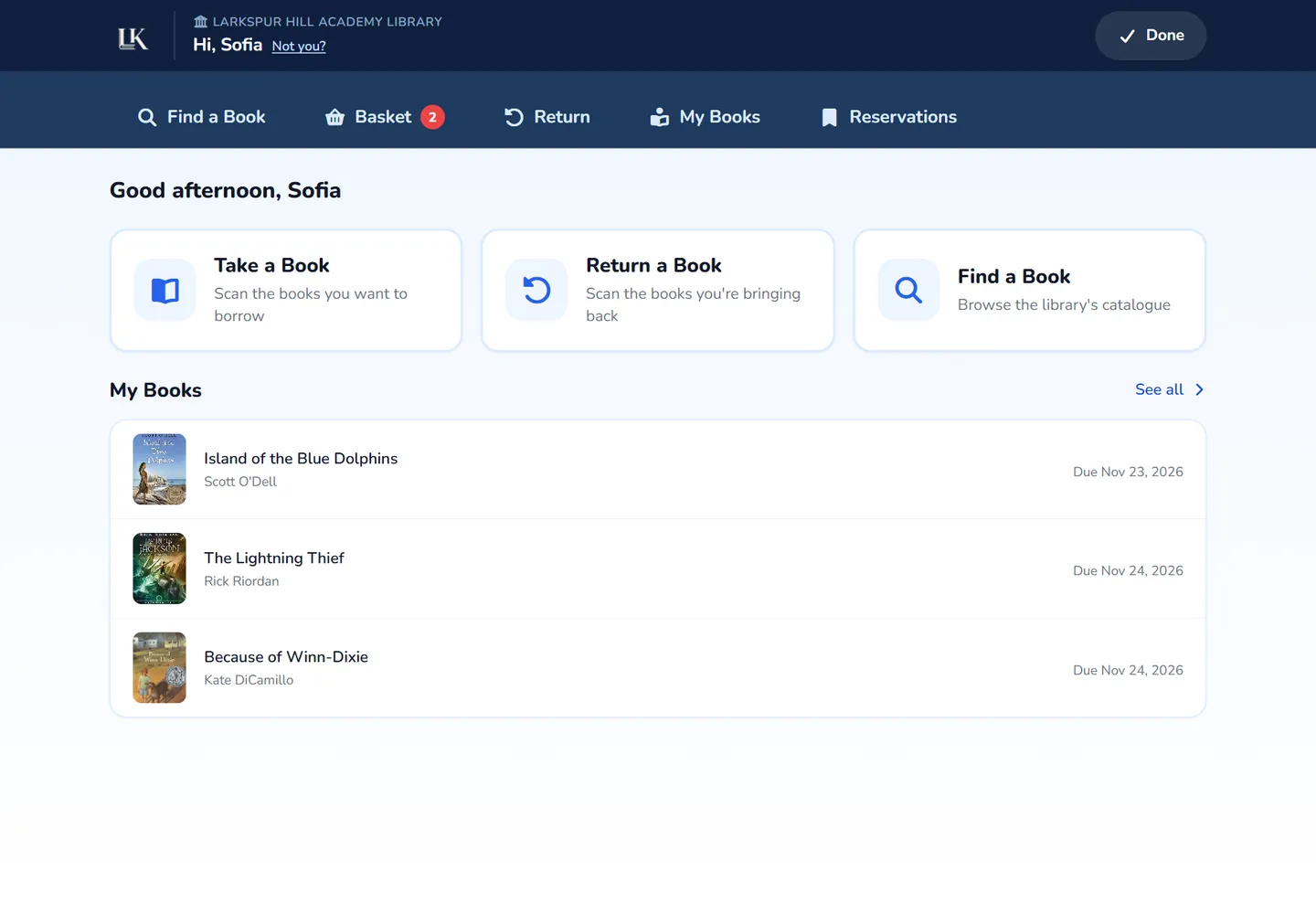
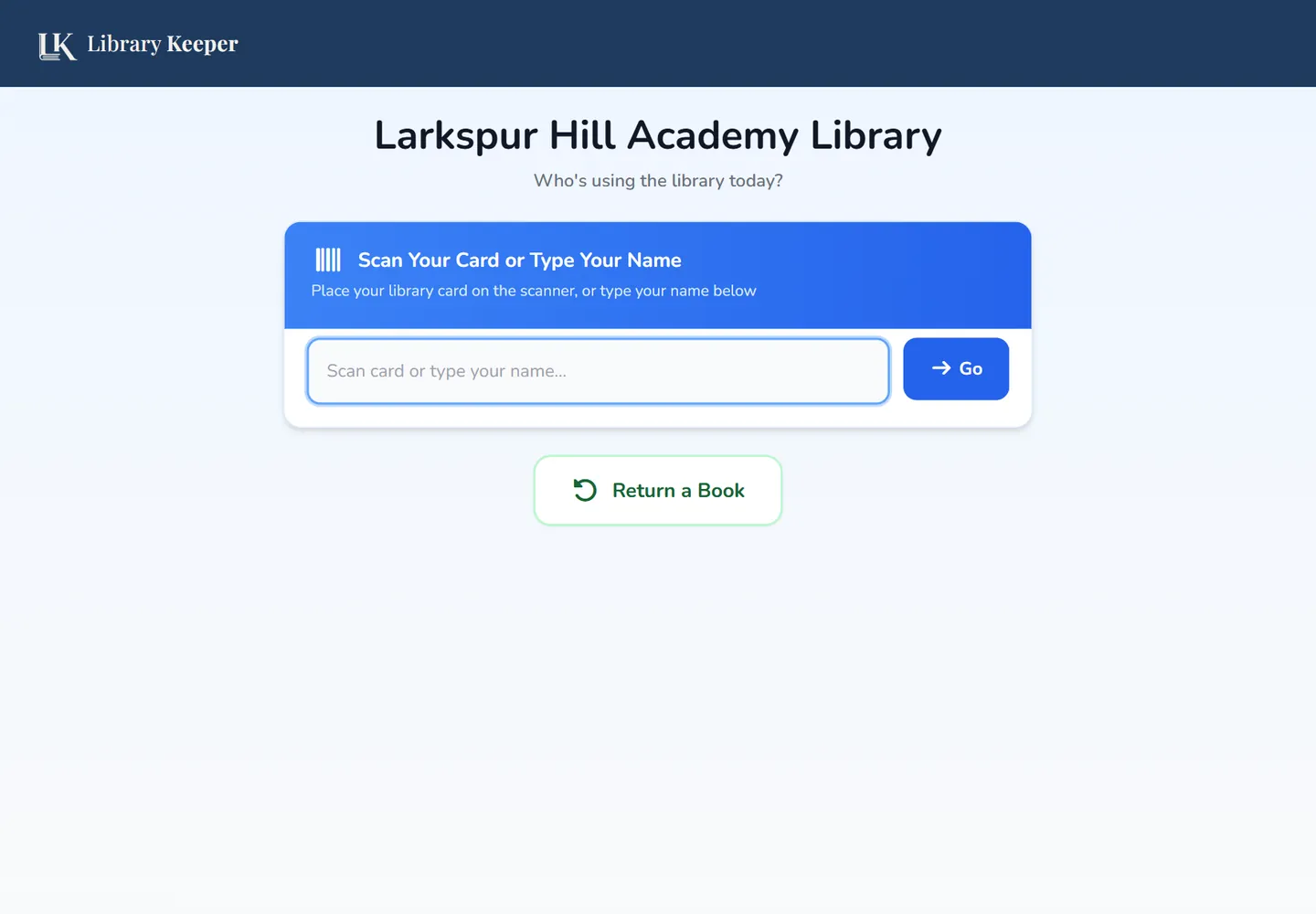
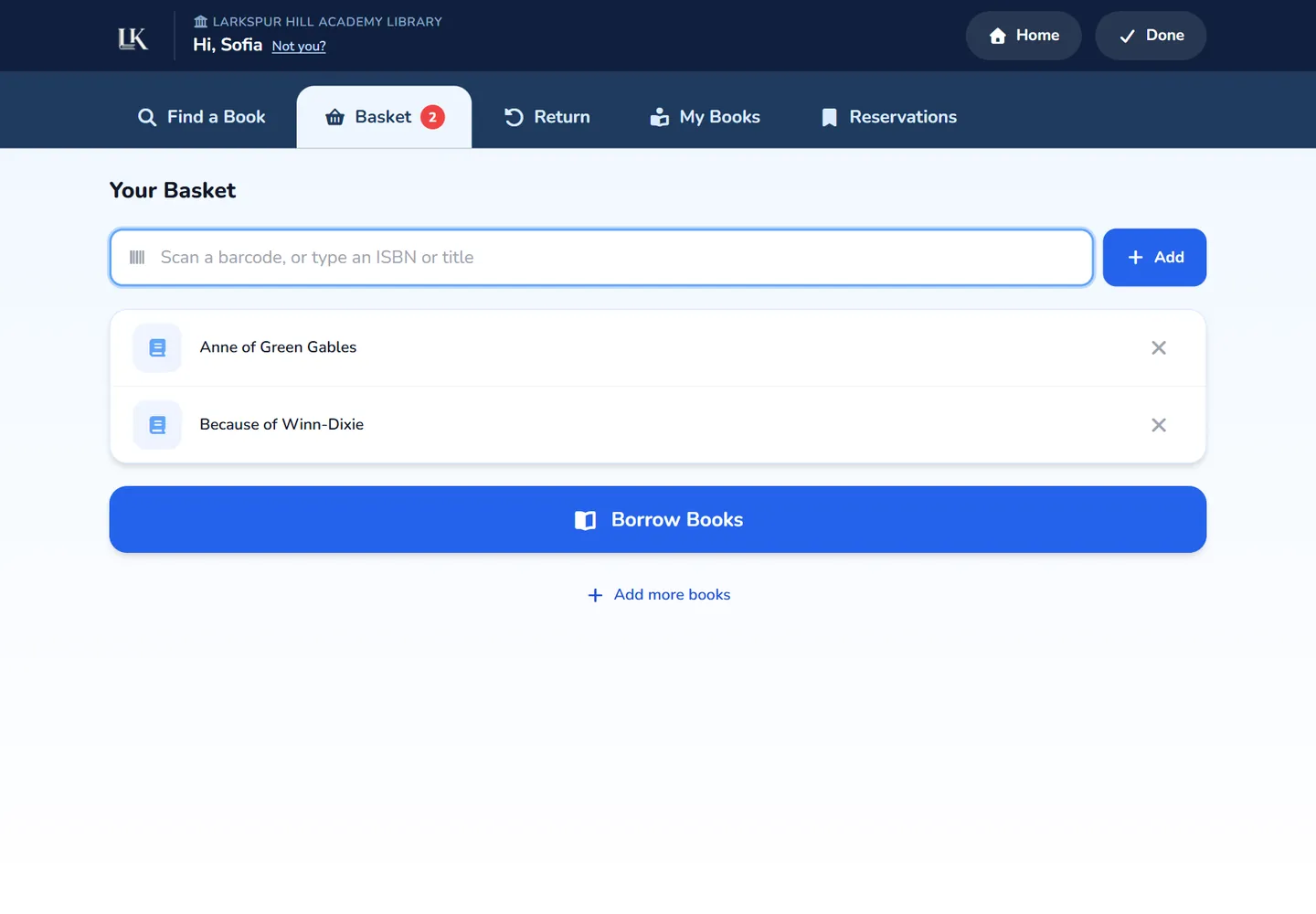
Any tablet or laptop with a browser becomes a checkout station. Students sign in with a library card or their name, then borrow and return books with no help from an adult.
- Scan a library card or type a name to sign in
- Students see their own books and due dates
- Return a book by scanning it, with no sign-in
- Hold to speak search for younger readers
A library card for every student
Each student gets a unique barcode you can print from their profile. Cut the cards, hand them out, and a USB barcode scanner on the kiosk signs them in.
- Print a card from any student's profile
- Works with a standard barcode scanner, or type a name
- Parents' email kept on file for students under 18
Students find books that are right for them
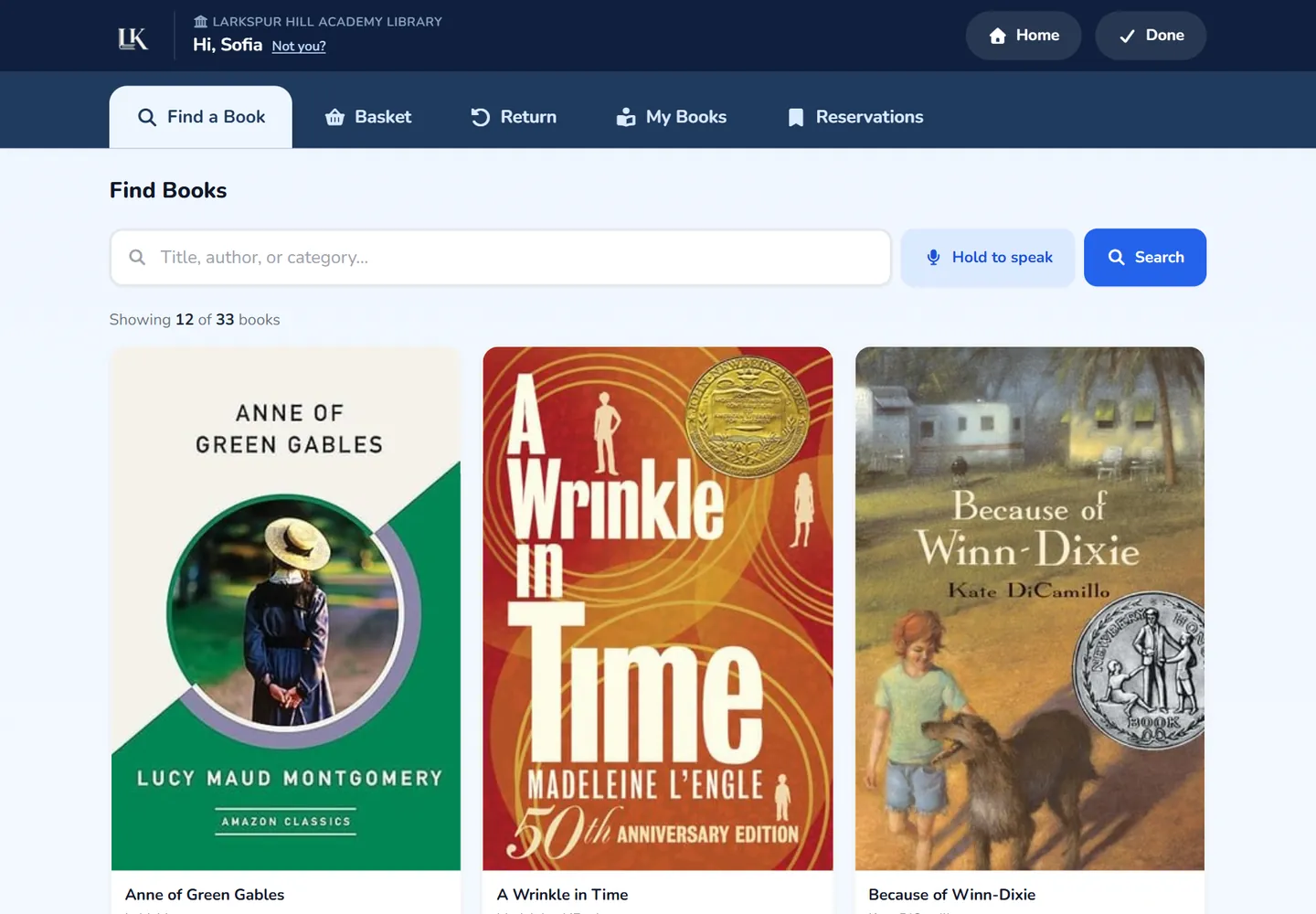
AI suggests an age range for every book as you add it. When a student's birth date is on file, the kiosk search only shows them books that fit their age. You can always correct a book's range yourself.
- Age ranges suggested automatically for each book
- Kiosk results filtered by the student's age
- Adjust and lock any age range by hand
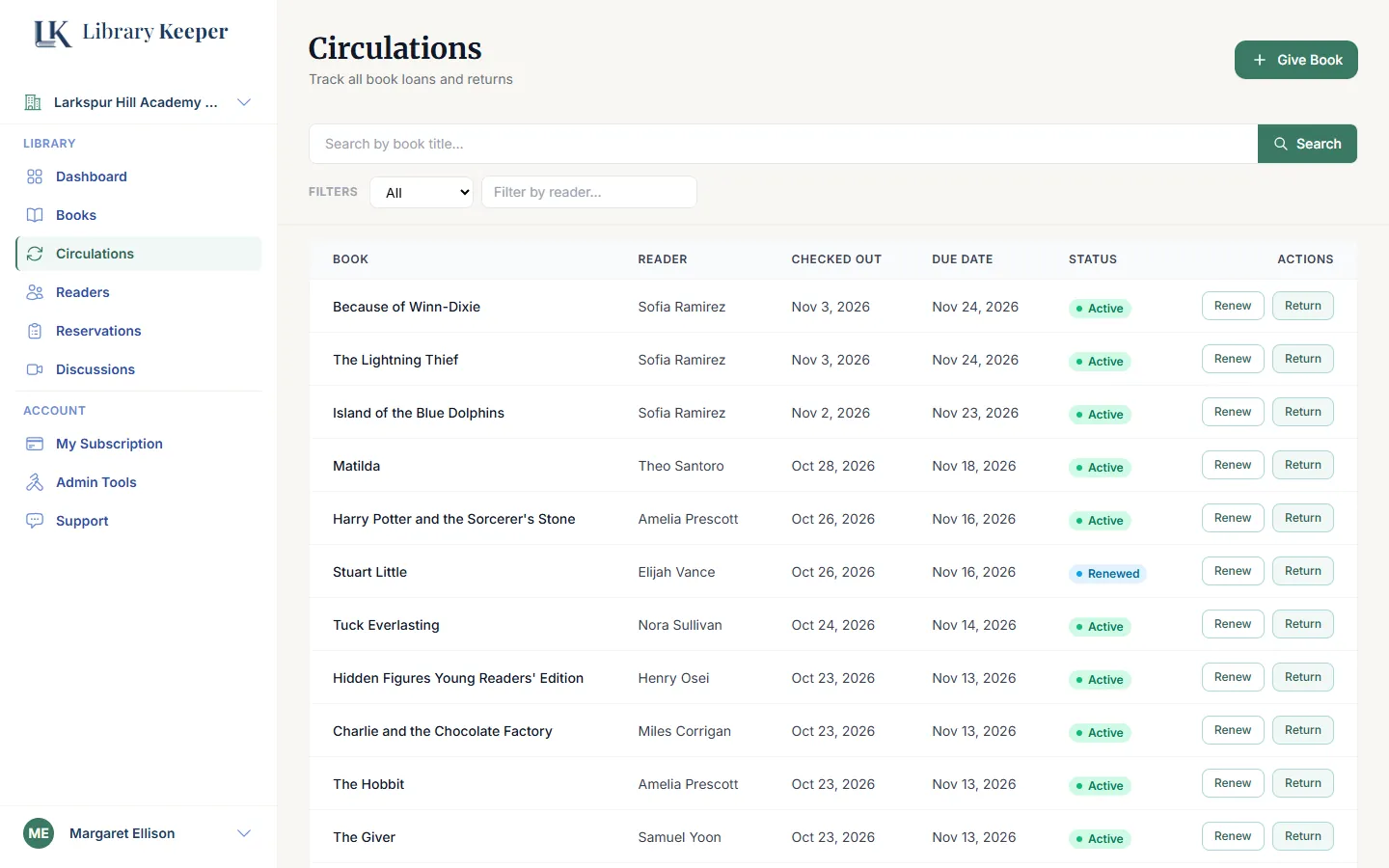
See every loan, across the whole school
Your dashboard shows what's out, what's overdue and what students are reading. Due-date reminders go out by email automatically, and they reach a parent when the student is a minor.
- Overdue books highlighted in one list
- Limits on how many books a student can hold
- Optional block on borrowing while a book is overdue
- Add teachers and volunteers with their own logins
Up and running in three steps
Add your books
Scan ISBNs with a phone or import a spreadsheet. Titles, authors and covers fill in on their own.
Add students
Create students one at a time and print their library cards.
Set up the kiosk
Open the kiosk page on a tablet, connect it to your library and leave it by the shelves.
The plan for small private schools
The kiosk, library cards and age filtering all come with Bibliotheca, which covers up to 500 students and 10,000 books.
More than 500 students or 10,000 books? Email support@librarykeeper.org and tell us about your school.
Compare every plan →Bibliotheca
- Self-service kiosk
- Up to 500 students
- Up to 10,000 books
- Up to 10 libraries, one per campus or classroom
- Automatic due-date reminders
- Online reservations
Upgrade from your account whenever you're ready.
Common questions
LibraryKeeper for other libraries
Give your students their library back.
Start cataloging today, and add the kiosk when your shelves are ready. No credit card required.
Start Free Today